How to run a Private LLM on your computer
In the 2010s, social media companies realised how they could predict and control your behaviour by seeing what kind of content you clicked on or scrolled on for longer. This was still a bit sneaky.
Now, we just tell our AI chat assistants, in clearly explained text, the details of our work and lives when prompting them. Oh no!
I want to use these tools for so much more, but I always feel like there’s someone there in the room with me watching and learning and finding a way to use this information against me.
How can I get my own private AI chat assistant?
It turns out there’s a very user friendly solution to this already, called Ollama! It’s an open source software that helps you download, install and run one of a set of open source models. There are models of different sizes, so there’s definitely one that you can run on your local computer!
This video tutorial helps you set it up.
I’m just using it on command line, it looks something like this:
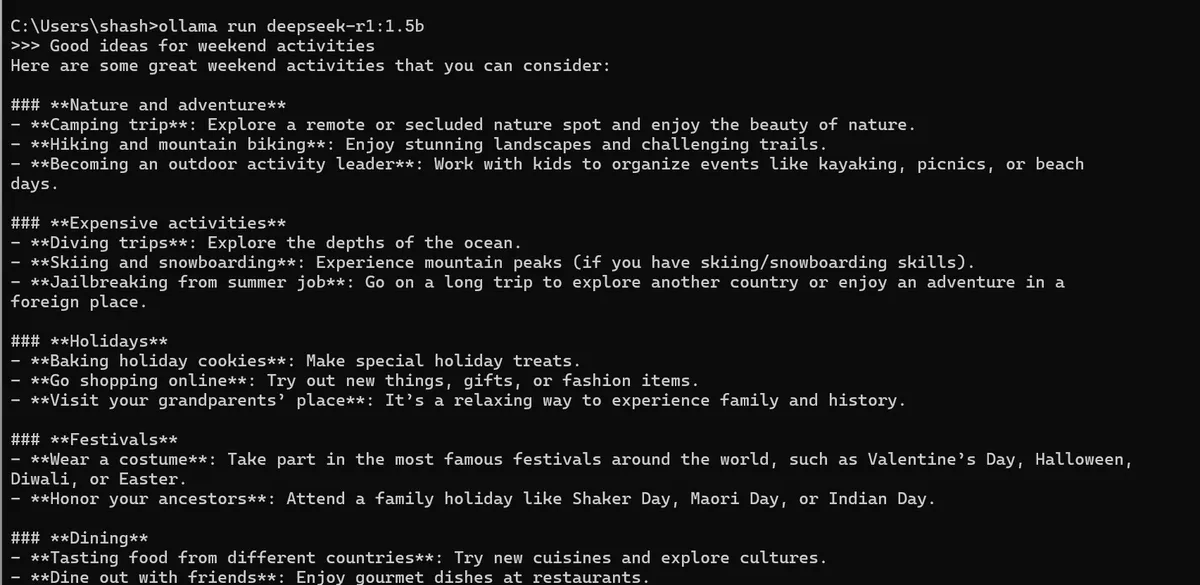
And its great to know that all this happens on my computer and no company will read these chats!
I can still use the online models for science, research, coding or if I really need something that the best models can do, but for everyday brainstorming about my personal life or coaching, these open source and locally run models might be enough.